Let’s be honest: if you’ve finished The Witcher 3 more than once, you already know the boring parts. Walking back to a signpost, digging through inventory and re-reading the bestiary gets old. Quality of life mods clean all that up without wrecking the feel of Wild Hunt.
I checked every mod below on its Nexus Mods page before writing a single word of this list. For each one, I looked at the version number, the last update date and what the mod actually changes. I also checked whether the page carries the Remastered Compatible tag, because that matters in 2026.
Plenty of classic favourites didn’t make the cut because they’re still marked as possibly working only with older versions. Script Merger and All Quest Objectives On Map are two good examples of that problem.
Here are my ten picks, ordered by endorsements, with everything checked on 1 November 2026.
1. The Witcher 3 Mod Manager
The Witcher 3 Mod Manager makes every other mod easier, so start here if you’re new. It installs, uninstalls, enables and disables mods in one click, which saves a lot of folder digging.
The mod is made by stefan3372 and SullivanMcBlueberry, sits at version 0.10.5, and was updated on 3 October 2026. The source code is on GitHub, so it’s easy to see how it works.

2. Always Full Exp
Always Full Exp gives you full experience from quests, so every story job feels rewarding. Tommy1984 also released alternatives, including Always Difficulty Exp, Always Mixed Exp and Always DLC Exp.
It was updated for Remastered 5.01 on 8 October 2026, and it’s the one I’d reach for first. It’s a little cheaty, but it’s a chill way to enjoy the story if you’ve levelled up many times.
3. More Money For Traders
More Money For Traders sets a trader’s money to 5,000 crowns every time you open the trade menu. Ever tried selling a full set of loot to a vendor with about 200 crowns?
This simple fix makes selling loot satisfying again, and it works with the Remastered 5.01 update. Tommy1984 made it, and it keeps the trade menu feeling fair rather than frustrating.
4. Disable Skip Storybook Intro Warnings Videos
Disable Skip Storybook Intro Warnings Videos removes the intro warnings and bumpers every time you launch. Gerchan updated it for Remastered 5.01 on 29 September 2026, so it fits the current patch.
Install it by extracting the files into your mods folder, with no need to delete anything. An optional file keeps the intro if you prefer the original start-up, which I think is fair.
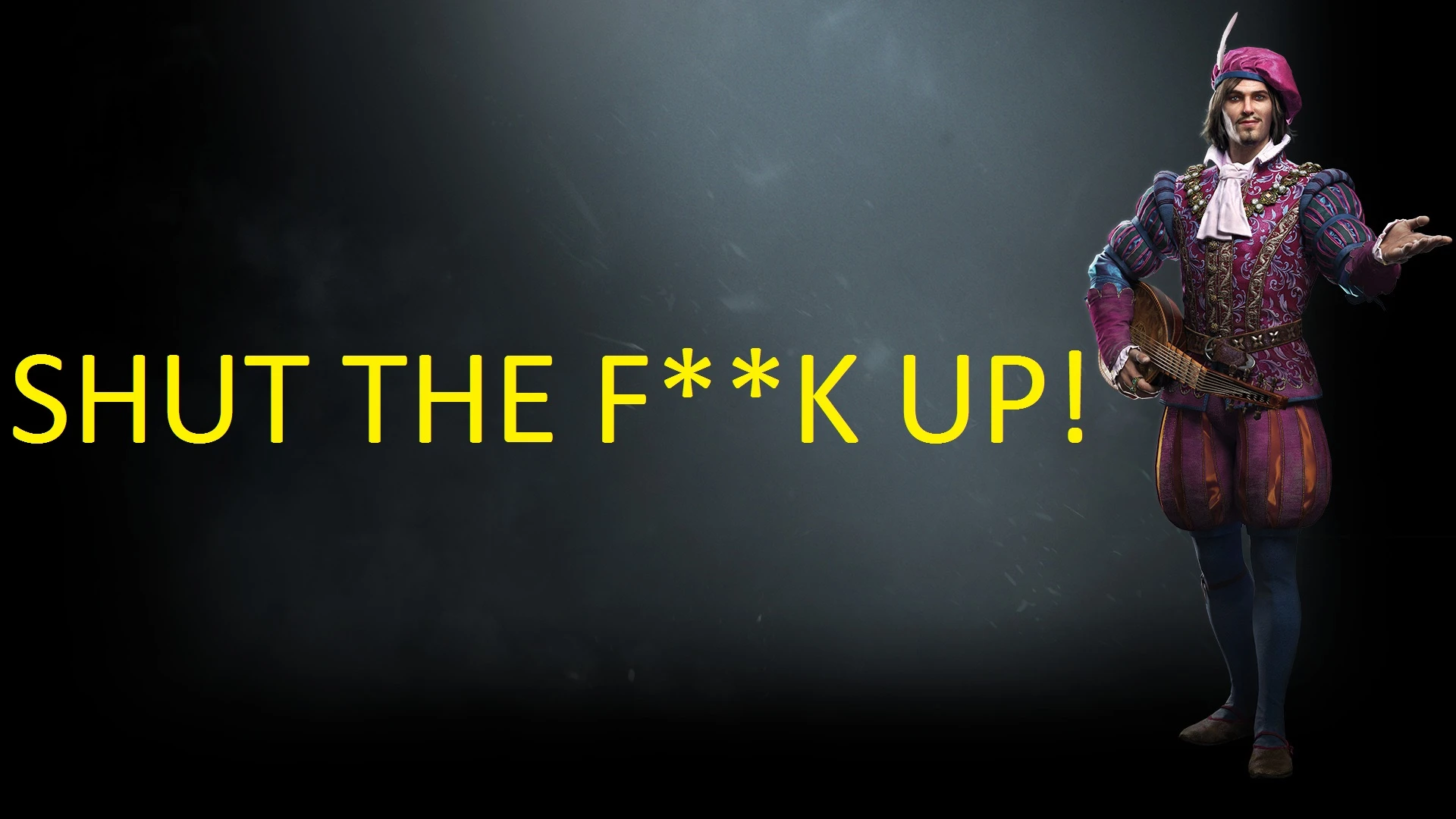
5. Jump in Shallow Water (Remastered)
Jump in Shallow Water (Remastered) lets you jump while standing in shallow water, which vanilla blocks. Zhior says it hasn’t been tested extensively, so keep an eye out for odd behaviour.
Version 2.1 was updated on 9 October 2026, and the change is small but very noticeable. It’s a drop-in file, so just place it in your mods folder and launch.
6. Coloured Map Markers (Remastered, Next-Gen, Classic)
Coloured Map Markers replaces the world map and minimap icons with outlined, colour-coded versions. Icons are grouped into travelling, alchemy and herbs, shops and crafting, and services, so they’re easy to scan.
DJ_Kovrik updated it on 21 October 2026 with version 1.60, and the icons read clearly at a glance. The page lists compatibility from Remastered 5.01 to Next-Gen 4.04 or Classic 1.32, which is handy.

7. AMM – The Appearances Menu Mod
AMM – The Appearances Menu Mod lets you change hair, beard, face, head, capes and more from a menu. You can swap armour for any Witcher set or common set, including dye colours, with no stat changes.
It also lets you change swords and Roach, which makes the menu handy for a full look. CAPA updated it to version 5.01 on 31 October 2026, the newest update on this list.
8. Sort Everything
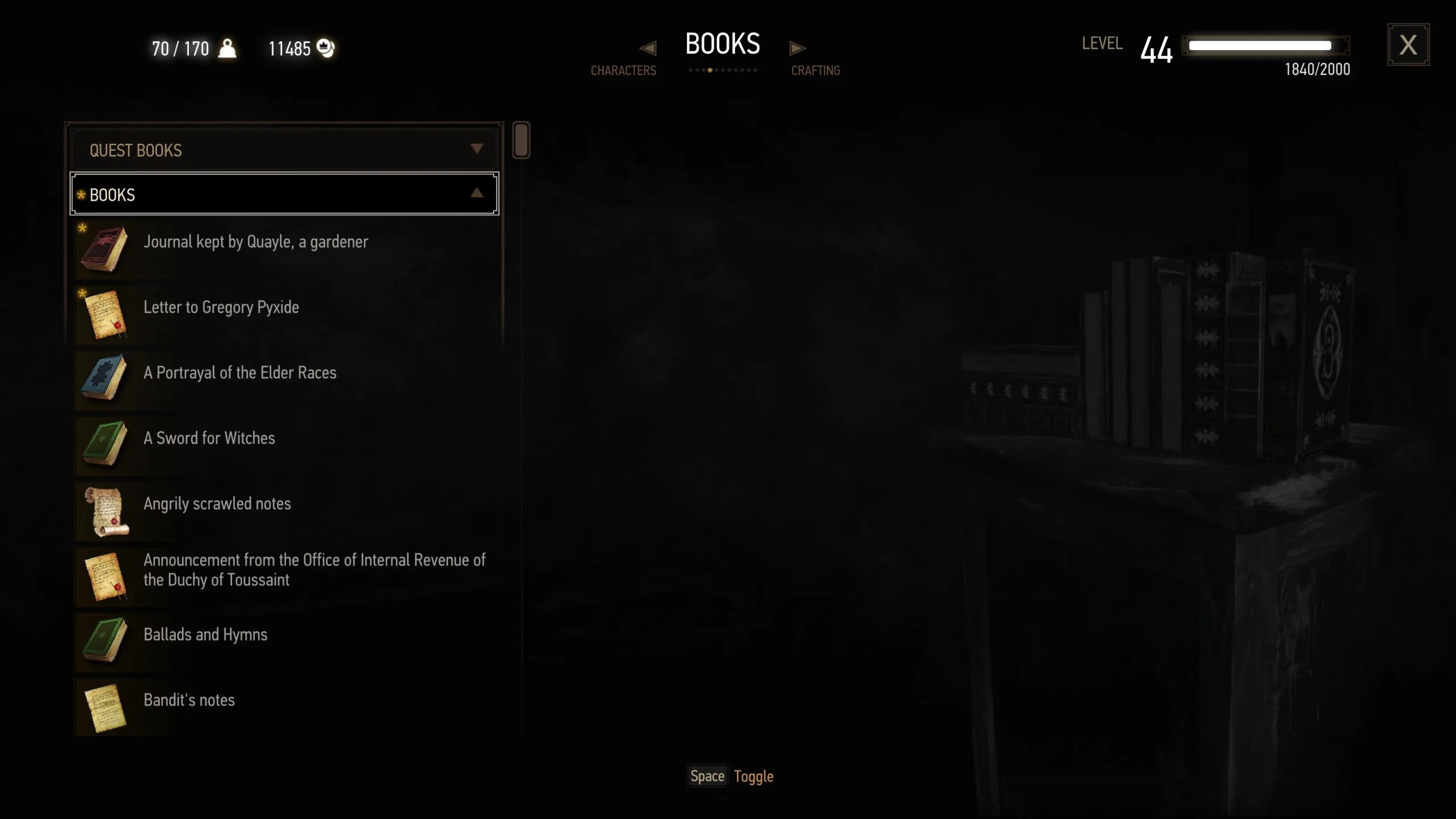
Sort Everything adds sorting options to alchemy, crafting, journal, inventory, stash and glossary menus. Pinned recipes jump to the top of the alchemy list, and new recipes appear first.
You can configure everything in the in-game settings menu, and it supports nine languages. DJ_Kovrik updated it on 28 October 2026 with version 1.57, and the sorting feels natural in play.
9. Fast Travel Pack
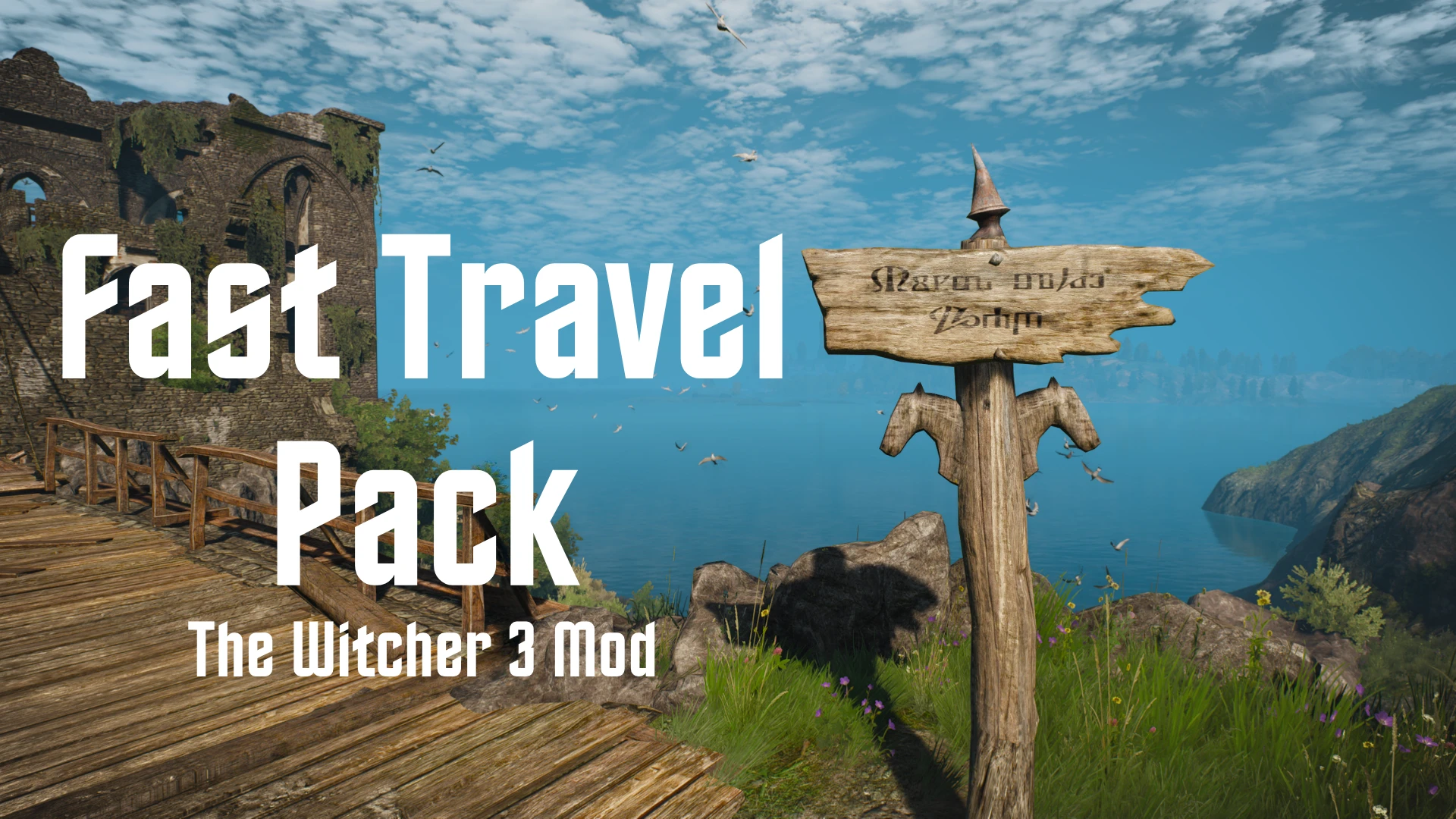
Fast Travel Pack adds 49 signposts to the game, and some restore spots CD PROJEKT RED intended. The others are placed for convenience, and the author says they’re all in safe locations.
That means you won’t accidentally travel from a quest location and break the game. MerseyRockoff updated it to version 3.0.1 on 17 October 2026, and the new markers sit in sensible places.
10. Witcher’s Quality of Life
Witcher’s Quality of Life is the newest pick, and it’s a toggle pack for Remastered 5.01. Carry weight, item level, loot, fast travel, durability, toxicity and fall damage each have a switch.
Every feature starts on, so turn off what you don’t want under Options, Mods, then Witcher’s QoL. It’s newer than the rest, so back up your saves before you try it.
How to install these mods safely
Back up your save files and your game folder before you start installing anything at all. This step matters a lot, because a broken save can ruin a long run.
Install The Witcher 3 Mod Manager first, then use it for every mod where it supports the install. For drop-in mods, follow the page’s install note and place the files in your mods folder.
Launch the game and check the mod settings, then switch features on or off to test them. If something breaks, remove the newest mod first and check the page’s comments and changelog.
Final thoughts
Quality of life mods don’t have to make Geralt a demigod, and that’s the whole point. They clear the boring stuff out of the way so you can enjoy Velen, Novigrad and the next contract.
Which of these is already in your load order, and what did I miss? Tell me in the comments below, and I’ll keep this list updated as Remastered mods land.
Credits and sources
Screenshots come from each mod’s Nexus Mods page and are credited under each image. Banner artwork is Geralt and Ciri from The Witcher 3, CD PROJEKT RED, via Cook and Becker. This guide was last updated on 1 November 2026, with every mod page checked that day.
Enjoyed this one?
Watch the mods and guides in action on YouTube.